
SureSMS guide
Why is my SMS not being delivered?
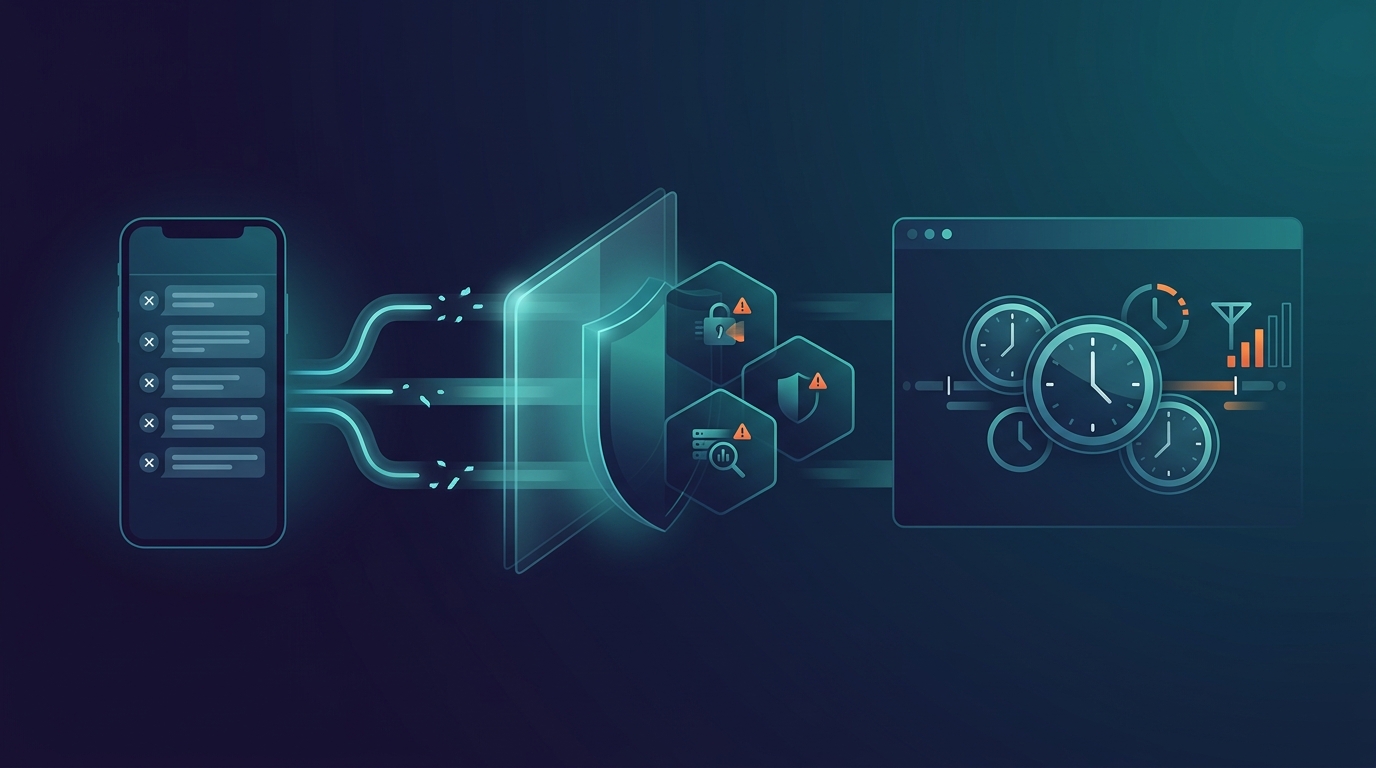
When an SMS is not delivered from your gateway, it's not always due to the platform itself. Delivery can be affected by the phone, number, operator filters, links, spam rules, fraud detection and local time rules.
Main points
- An SMS can fail even if it was sent correctly from the gateway - for example, if the phone is turned off, the number is wrong or the recipient is out of range.
- Operators, countries and phones are increasingly using spam, security and fraud filters that can stop or delay messages.
- Links, content, sender type and time can have a big impact on whether the message is accepted and viewed by the recipient.
“My SMS is not delivered from the gateway - why?” This question often comes up when an important message doesn't reach the recipient. The answer is that SMS delivery depends on several factors: your SMS gateway, the operators, international routes, the recipient's phone and the rules of the country the message is sent to.
In many cases, the message is sent correctly from the gateway, but is rejected, filtered, delayed or cannot be delivered to the recipient. Here are the most common reasons.
1. Phone is switched off or without coverage
The classic reason is still relevant: the recipient's phone can be switched off, in airplane mode, without battery or without a mobile network. It can also happen if the recipient is in an area with poor coverage, abroad without roaming or temporarily disconnected from the network.
In some cases, the operator will try to deliver the message again for a period of time. How long depends on the operator, country and message type. If the phone does not come online in time, the message may end up as undelivered or expired.
For critical messages, it may make sense to combine SMS with replay, email, call or another channel if there is no response.
2. The number no longer exists or is incorrectly entered
If the phone number is invalid, disconnected, incorrectly ported, misdialed or missing the correct country code, the message cannot be delivered. This is especially true for international numbers where the format must be correct.
For example, a Danish mobile number should be handled with the correct country code when sent via gateway: +45 followed by the number. If there are spaces, local formats, incorrect country codes or old numbers in customer data, delivery errors may occur.
3. The message is stopped by spam or security filters
Mobile operators actively work with spam and security filters. They do this to protect against phishing, fraud, malware, unwanted marketing and abuse of the SMS channel.
The filters can respond to many signals:
- Very similar messages sent to many recipients
- Suspicious words, phrases or senders
- Lack of recognizability in the sender
- Sudden broadcast patterns or unusual traffic
- History on sender, link domain or route
A message can be filtered even if it is legitimate. It is therefore important to use a clear sender, relevant content and documented consent.
4. The message contains a link that is being blocked
Links are a common reason for filtering. Operators and security systems can block messages with links if the domain seems suspicious, is newly created, has been previously abused, uses aggressive tracking or looks like phishing.
This can also happen with URL shorteners if the shortener domain has a bad history or if the receiving country has special rules for links in SMS.
Tips for links in SMS:
- Use a trustworthy domain that matches your business
- Avoid random or unknown shortener domains
- Test links before major broadcasts
- Keep the landing page secure, mobile-friendly and relevant
- Avoid wording that looks like phishing or puts unnecessary pressure on the recipient
Having problems with SMS delivery?
SureSMS can help review delivery status, content, links, sender, country rules and technical error codes to give you a concrete explanation.
Contact SureSMS5. The recipient's phone blocks the message
It's not just the operators that filter. The phone itself can also sort, hide or block messages. This applies to both iPhone and Android.
iOS 26 and “Unknown Senders”
With iOS 26, Apple is expected to give users more options to filter messages from unknown senders. If the sender is not saved in the contact book or if the user has not previously interacted with the number, the message may become less visible or land somewhere other than the primary inbox.
This doesn't necessarily mean that the SMS hasn't been delivered technically. But for the recipient, the result may feel like the message was never seen.
Android and spam filters
Android phones and messaging apps can also mark messages as spam or move them away from the regular inbox. This can happen especially if the message looks like mass mailing, contains suspicious links or comes from a sender the recipient doesn't recognize.
6. The message violates the operator's content rules
Operators and countries have rules about what can be sent via SMS. Some rules are about illegal content, others about industries, marketing, sender identity or unsubscribe requirements.
Examples of content that can cause problems:
- Fraud, phishing or misleading messages
- illegal products or services
- lack of opt-out in marketing
- unauthorized use of brands, banks or authorities
- content that violates local regulations in the receiving country
7. The message is stopped by fraud detection
Fraud detection protects SMS networks from abuse. The systems can stop messages if the traffic looks like fraud, spoofing, smishing, account takeover attempts or other unwanted activity.
It can be about volume, patterns, content, sender, destinations or combinations of signals. A sudden shift in traffic - for example, many messages to a new country or many similar messages in a short time - can trigger extra checks.
If you need to send large or new types of broadcasts, plan them well in advance. This makes it easier to test content, routes, sender and country rules before it becomes critical.
8. The message is sent outside the allowed time period in the receiving country
Some countries have rules about when certain types of SMS can be sent - especially marketing messages. If you send outside of the allowed time, the message may be delayed, rejected or stopped.
This is especially relevant for international broadcasts, where time zones, local holidays and country-specific regulations can affect delivery. A campaign sent at a prime time in Denmark may be outside the allowed window in the recipient country.
What should you check when an SMS is not delivered?
Start with the concrete data. Look at the status code, destination, time, sender, message content and any links.
- Is the number correct and active?
- Is the country code and format correct?
- Is your phone possibly switched off, out of coverage or abroad?
- Does the message contain links or words that can trigger filters?
- Is there consent and proper opt-out if it's marketing?
- Is the message being sent to a country with special rules or time windows?
- Is the sender known and consistent?
Conclusion: SMS delivery is a multi-layered interaction
When an SMS is not delivered, the reason is rarely “just the gateway”. Delivery depends on number data, mobile network, operator rules, phone filters, links, timing, country rules and fraud detection.
The best solution is to work systematically: use clean number data, clear sender, relevant content, secure links, proper consent and test larger broadcasts. Then your SMS messages will be stronger - both technically and with the recipient.