
SMS integration for WordPress
WSMS, WordPress, and SureSMS
WSMS is one of the most widely used SMS plugins for WordPress. There’s a good reason for that: plenty of features, an easy-to-use interface, and excellent support. The plugin has been renamed and is now called WSMS.
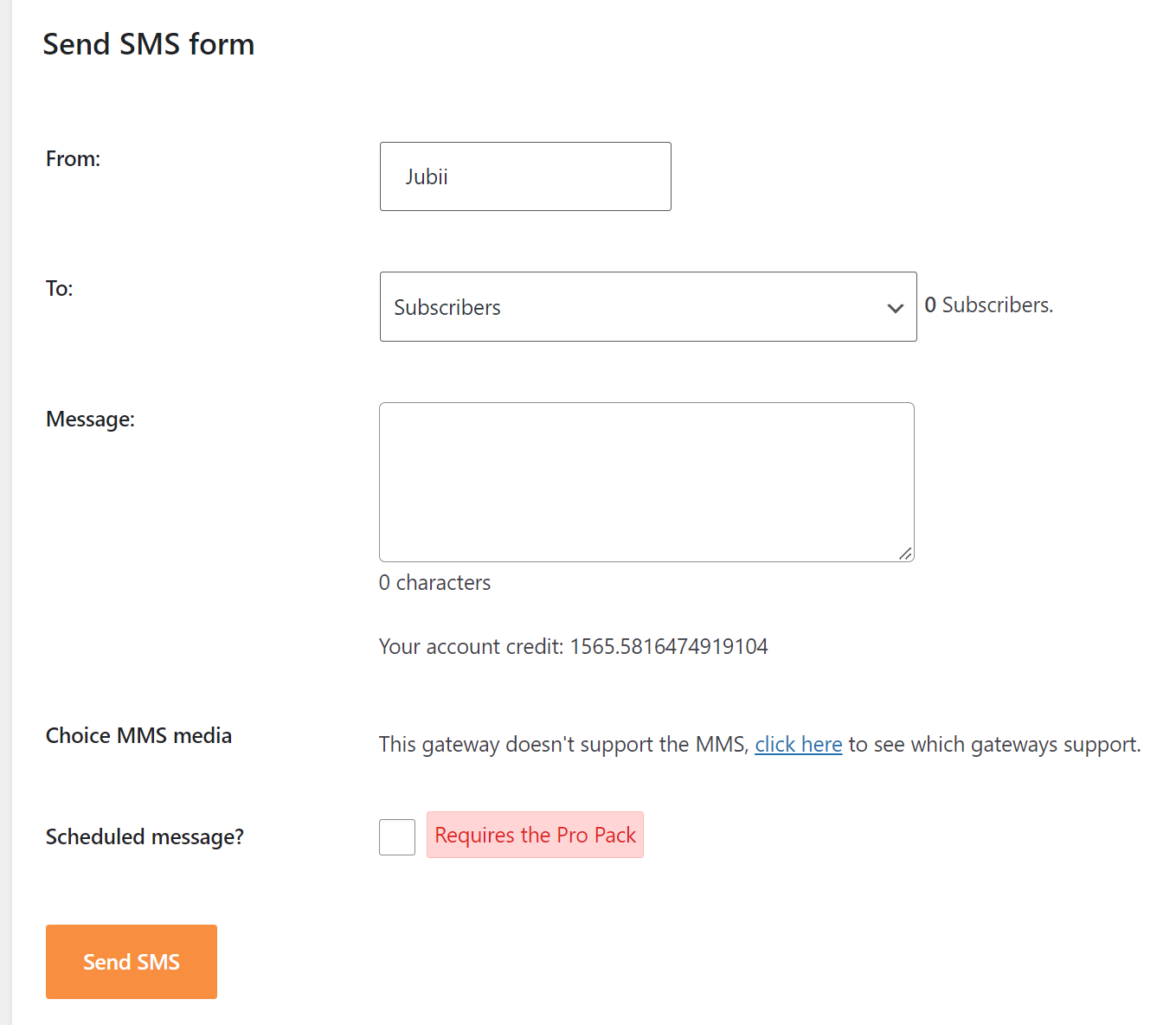
Once WSMS is installed, you'll find the SMS gateway setup under WSMS > Settings > SMS Gateway.
See also WSMS's official SureSMS page: SureSMS Gateway for WordPress | WSMS and the setup guide: Gateway Configuration | Documentation | WSMS.

WooCommerce
-
- Add phone number on the check-out page
-
- OTP (One Time Password) verify customer mobile number
-
- Notify about new products
-
- Notify admin about new orders
-
- Notify customers when they place their order
-
- Notify customers when changes occur on their order

Contact Form 7
-
- Send SMS to admin when someone fills out a form
-
- Send SMS to a field value when someone fills out a form
(For example, you can ask for a phone number and send an SMS when they approve the form)
- Send SMS to a field value when someone fills out a form

BuddyPress
-
- Add/use the existing phone number field in.
-
- Send SMS to users when someone mentions them in posts
-
- Send SMS to users when they get a reply to activity or comment
-
- Send welcome SMS to new users
-
- Private SMS notifications

GravityForms
-
- Send SMS to admin when someone fills out a form
-
- Send SMS to a field value when someone fills out a form
(For example, you can ask for a phone number and send an SMS when they approve the form)
- Send SMS to a field value when someone fills out a form